
Fortnite Aimbot Settings for Soft Aim
Tune Fortnite aimbot FOV, smoothing, hitbox, and soft aim so tracking stays effective without looking robotic to spectating players.
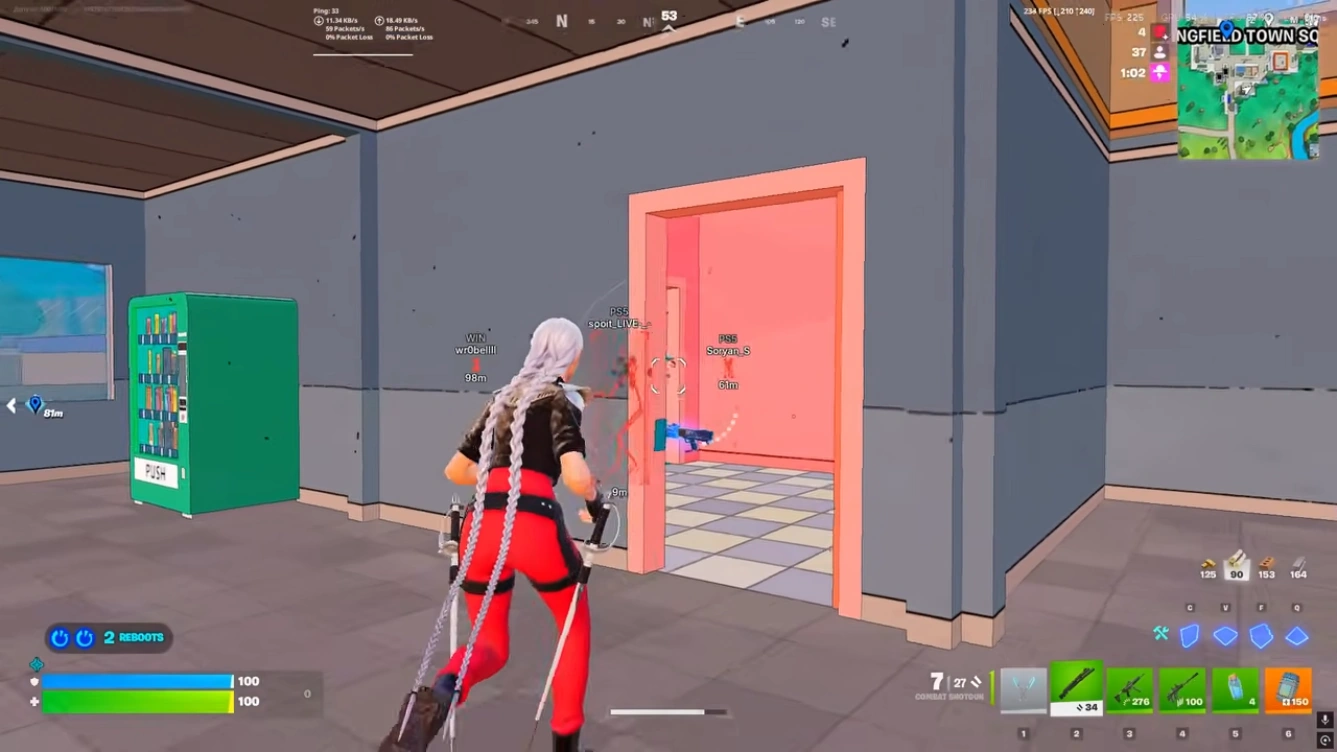
Start with soft defaults
Open the menu after a clean load. Set FOV narrow and smoothing high for your first session. Increase strength only after you see how it feels in a real lobby.
FOV and smoothing
FOV controls how far from crosshair the aimbot engages. Keep it tight in ranked or late-game zones.
Smoothing adds human-like delay. Too low looks snappy on kill cams. Too high feels weak in close fights.
Hitbox and visibility
Head shots win fast but draw reports. Chest or upper body is safer for long sessions.
Enable visible-only checks when you want aim help only on targets you could realistically see.
Ready for Fortnite cheats?
Check live Easy Anti-Cheat status, then buy ESP, wallhack, and aimbot for Fortnite. Need help? Read support.